

Create stickers
Combine text, photos and images, with the classic white sticker outline.
Cut out anything in one tap, add text and emoji, and send the whole pack to your favorite messaging apps. Everything happens on your phone.
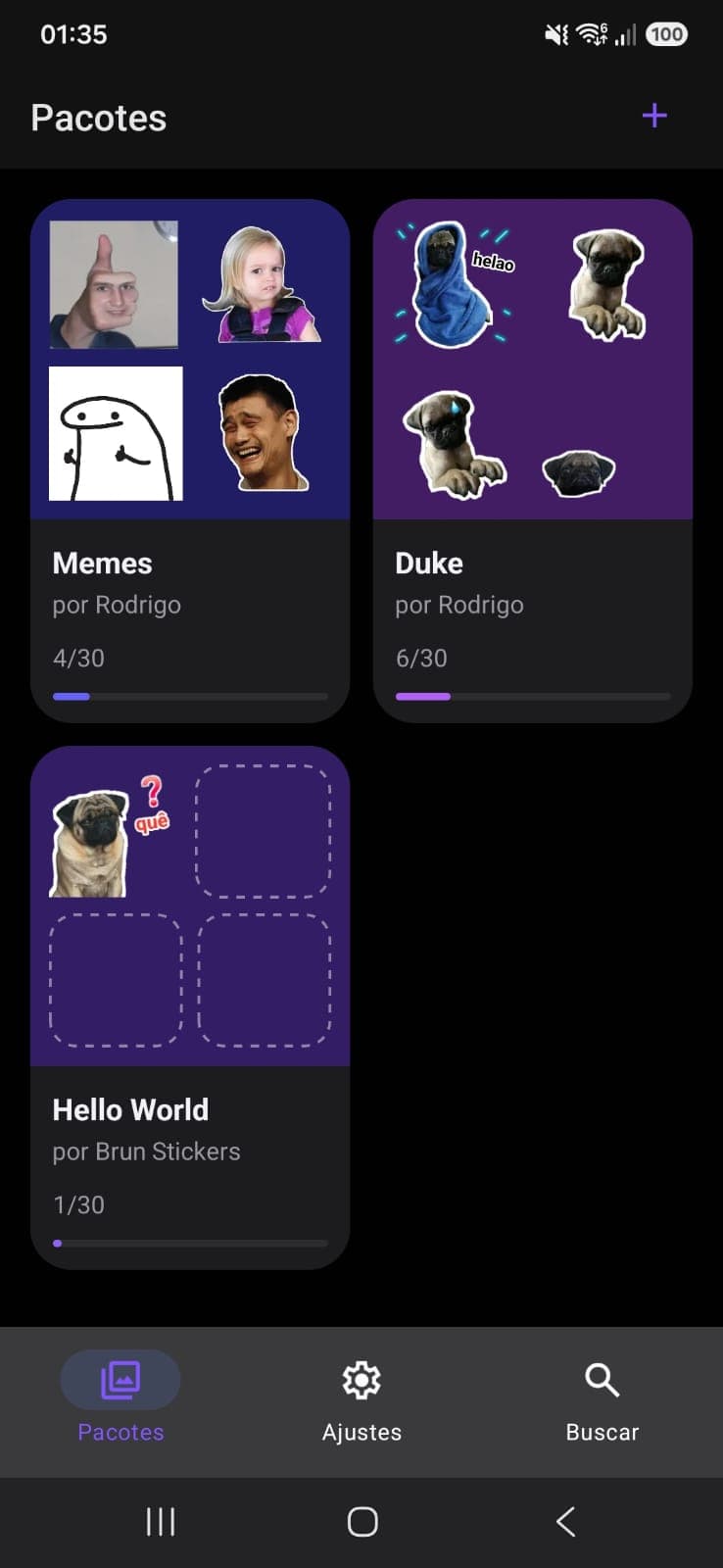
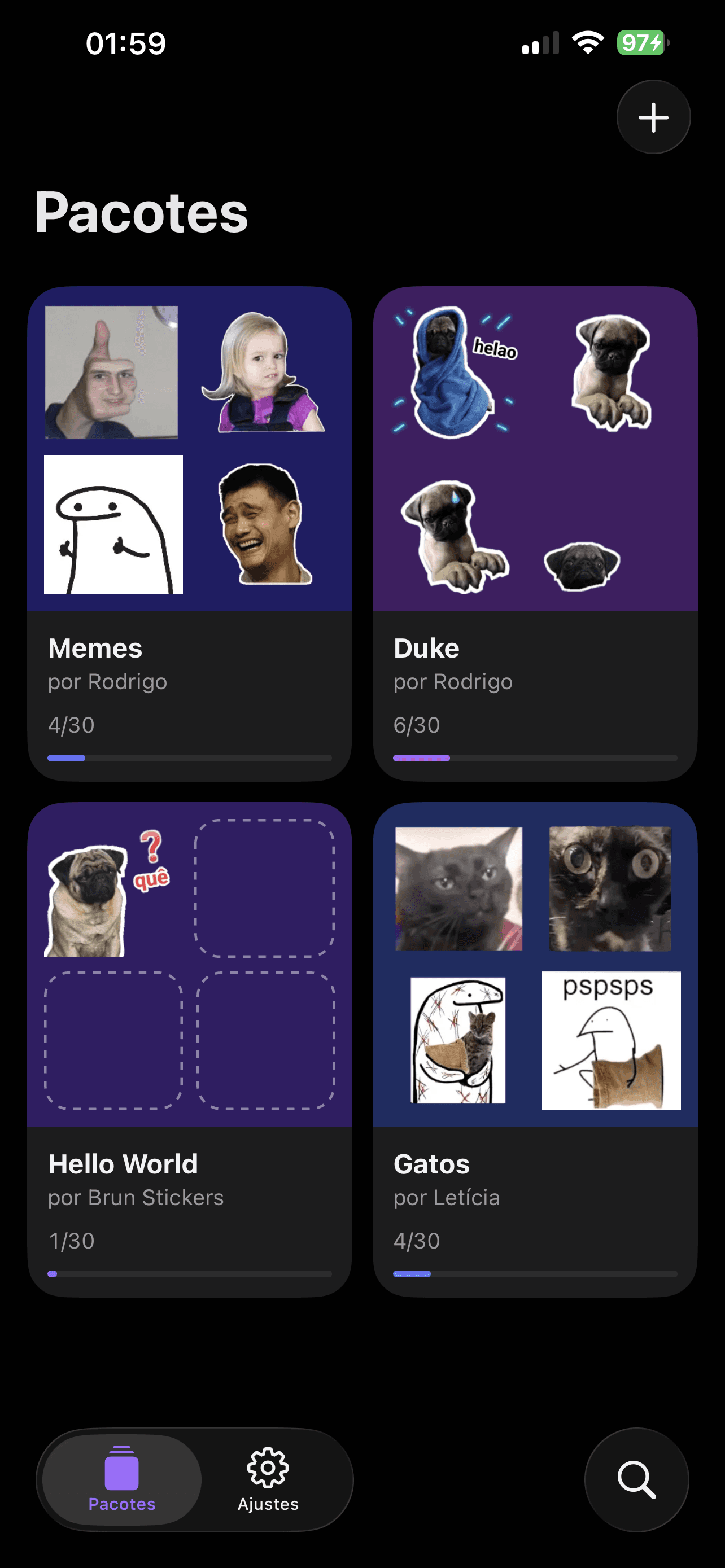
Cut out anything in one tap, add text and emoji, and the classic white outline does the rest.
Combine text, photos and images, with the classic white sticker outline.
Keep only what matters in one tap. Everything happens on your device.
Group your stickers and find any of them with search.
Add your packs to WhatsApp, Telegram and iMessage.
Whole packs, straight to the messaging apps you already use.
Packs of 3 to 30 stickers, added with one tap.
Import a pack and name the set right in Telegram.
Your stickers in the Messages app drawer on iPhone.
Packs of 3 to 30 stickers · one tap to add
No account, no uploads. Your stickers live on your phone, and backups are files you keep. The app shows ads, and you choose how they use your data.
Stickers, packs and photos live inside the app. Deleting the app deletes everything.
Background removal runs on the device. Only the ads need a connection.
A .zip you keep wherever you like, plus editable sticker and pack files to share.
WhatsApp needs 3 to 30 stickers per pack, a pack name and an author, and at least one emoji on each sticker. The app tells you what's missing when you tap WhatsApp.
Open a pack, tap iMessage, then in Messages tap the apps button (+) and choose Brun Stickers.
Open the pack and tap Telegram. Telegram opens so you can confirm and name the set.
In Settings, tap Back up now and save the .zip file (Files, iCloud Drive, email…). On the new phone, open Settings → Restore backup and pick that file. Restoring replaces what's in the app. The app doesn't back up automatically, so make backups regularly and keep them somewhere safe.
Yes. Share it as a .brunsticker or .brunpack file; opening it on a phone with Brun Stickers imports it.

Pick a photo, cut it out, add a caption. Your friends will see it in a minute.